Skip to content
Facebook Instagram X-twitter Youtube Linkedin

West Coast: (800) 700-7683 — East Coast: (800) 821-1782 — 9033 9th St. Rancho Cucamonga, CA 91730

We Buy Used IT Equipment
Powered By DES
  • Sell Your Equipment
    • Servers
      • Cisco
      • Dell
      • IBM
      • HP
      • Lenovo
      • SuperMicro
    • Backup Tapes
      • LTO Tapes
        • LTO10
        • LTO9
        • LTO8
        • LTO7
        • LTO6
        • LTO5
        • LTO4
        • LTO3
        • LTO Cleaning Tape
      • 3592 Tapes
        • 3592 JK
        • 3592 JE
        • 3592 JD
        • 3592 JC
        • 3592 JB
        • 3592 JA
      • T10k T2 Tapes
      • MLR/SLR Tapes
        • IBM MLR1 SLR32
        • Imation SLR32
        • Sony SLR5
        • Tandberg SLR
        • MLR/SLR Cleaning Tape
      • 4mm Tapes
        • DDS7 – DAT320
        • DDS6 – DAT160
        • DDS5 – DAT72
        • DDS4 – DAT40
      • 8mm VXA Tapes
    • Data Storage
      • Hard Drives
        • HGST
        • Hitachi
        • HP
        • IBM
        • Kingston
        • Samsung
        • Seagate
        • Toshiba
        • Western Digital
      • Storage Arrays
    • Networking
      • Routers
      • Switches
    • VoIP and Telecom
    • Memory
      • Server Memory
      • Laptop Memory
      • Desktop Memory
      • DDR3
      • DDR4
      • DDR5
    • CPUs and Processors
      • Intel Core
      • Intel Xeon
      • AMD
    • Laptops
      • Apple
      • Asus
      • Dell
      • HP
      • IBM Lenovo
      • Samsung
      • Toshiba
    • Tape Drives and Libraries
    • SFP Transceivers
      • Cisco SFP Transceivers
      • HPE SFP Transceivers
    • Scrap Electronics
    • Submit Your List
  • Services
    • Secure IT Asset Disposition
      • Secure Shipping
    • Data Center Services
      • Takeouts
      • Relocation
      • Liquidation
      • Other On-Site Services
    • Data Destruction
      • Data Destruction Compliance
        • Certificate of Data Destruction
        • Physical Data Destruction
        • Permanent Data Erasure
        • Magnetic Degaussing
      • Data Tape Erasure
      • Hard Drive Disposition
        • Hard Drive Sanitization
    • Electronics Recycling
    • Global Advantage Partner
    • Donate to Charity
  • Buy Equipment
    • Backup Tape
    • Data Center Equipment
    • New Equipment
    • Refurbished Equipment
      • Refurbished Servers
    • Warranty Information
  • Lifecycle & Sustainability
    • Lifecycle Services
      • Secure IT Asset Disposition
      • Electronics Recycling
      • Donate IT Equipment to Charity
      • Our ITAD Process
      • Secure Equipment Shipping
    • Resources
      • IT Equipment Recycling
      • E Waste Recycling
      • IT Asset Disposition Guide
      • Data Center Decommissioning
      • Comprehensive Guide to ITAD
      • Guide to Donating IT Equipment to Charity
  • Blog
  • About Us
    • Contact Us
    • Our Processes
    • ITAD White Paper
    • Newsletter
    • References
    • Privacy Policy
    • FAQ
    • Sitemap
  • Get A Quote
  • Sell Your Equipment
    • Servers
      • Cisco
      • Dell
      • IBM
      • HP
      • Lenovo
      • SuperMicro
    • Backup Tapes
      • LTO Tapes
        • LTO10
        • LTO9
        • LTO8
        • LTO7
        • LTO6
        • LTO5
        • LTO4
        • LTO3
        • LTO Cleaning Tape
      • 3592 Tapes
        • 3592 JK
        • 3592 JE
        • 3592 JD
        • 3592 JC
        • 3592 JB
        • 3592 JA
      • T10k T2 Tapes
      • MLR/SLR Tapes
        • IBM MLR1 SLR32
        • Imation SLR32
        • Sony SLR5
        • Tandberg SLR
        • MLR/SLR Cleaning Tape
      • 4mm Tapes
        • DDS7 – DAT320
        • DDS6 – DAT160
        • DDS5 – DAT72
        • DDS4 – DAT40
      • 8mm VXA Tapes
    • Data Storage
      • Hard Drives
        • HGST
        • Hitachi
        • HP
        • IBM
        • Kingston
        • Samsung
        • Seagate
        • Toshiba
        • Western Digital
      • Storage Arrays
    • Networking
      • Routers
      • Switches
    • VoIP and Telecom
    • Memory
      • Server Memory
      • Laptop Memory
      • Desktop Memory
      • DDR3
      • DDR4
      • DDR5
    • CPUs and Processors
      • Intel Core
      • Intel Xeon
      • AMD
    • Laptops
      • Apple
      • Asus
      • Dell
      • HP
      • IBM Lenovo
      • Samsung
      • Toshiba
    • Tape Drives and Libraries
    • SFP Transceivers
      • Cisco SFP Transceivers
      • HPE SFP Transceivers
    • Scrap Electronics
    • Submit Your List
  • Services
    • Secure IT Asset Disposition
      • Secure Shipping
    • Data Center Services
      • Takeouts
      • Relocation
      • Liquidation
      • Other On-Site Services
    • Data Destruction
      • Data Destruction Compliance
        • Certificate of Data Destruction
        • Physical Data Destruction
        • Permanent Data Erasure
        • Magnetic Degaussing
      • Data Tape Erasure
      • Hard Drive Disposition
        • Hard Drive Sanitization
    • Electronics Recycling
    • Global Advantage Partner
    • Donate to Charity
  • Buy Equipment
    • Backup Tape
    • Data Center Equipment
    • New Equipment
    • Refurbished Equipment
      • Refurbished Servers
    • Warranty Information
  • Lifecycle & Sustainability
    • Lifecycle Services
      • Secure IT Asset Disposition
      • Electronics Recycling
      • Donate IT Equipment to Charity
      • Our ITAD Process
      • Secure Equipment Shipping
    • Resources
      • IT Equipment Recycling
      • E Waste Recycling
      • IT Asset Disposition Guide
      • Data Center Decommissioning
      • Comprehensive Guide to ITAD
      • Guide to Donating IT Equipment to Charity
  • Blog
  • About Us
    • Contact Us
    • Our Processes
    • ITAD White Paper
    • Newsletter
    • References
    • Privacy Policy
    • FAQ
    • Sitemap
  • Get A Quote

Windows 7 & Internet Explorer – Big Changes at Microsoft

News
  • Steven
  • September 10, 2020
  • 10:00 am
Browse:
Home News Windows 7 & Internet Explorer – Big Changes at Microsoft

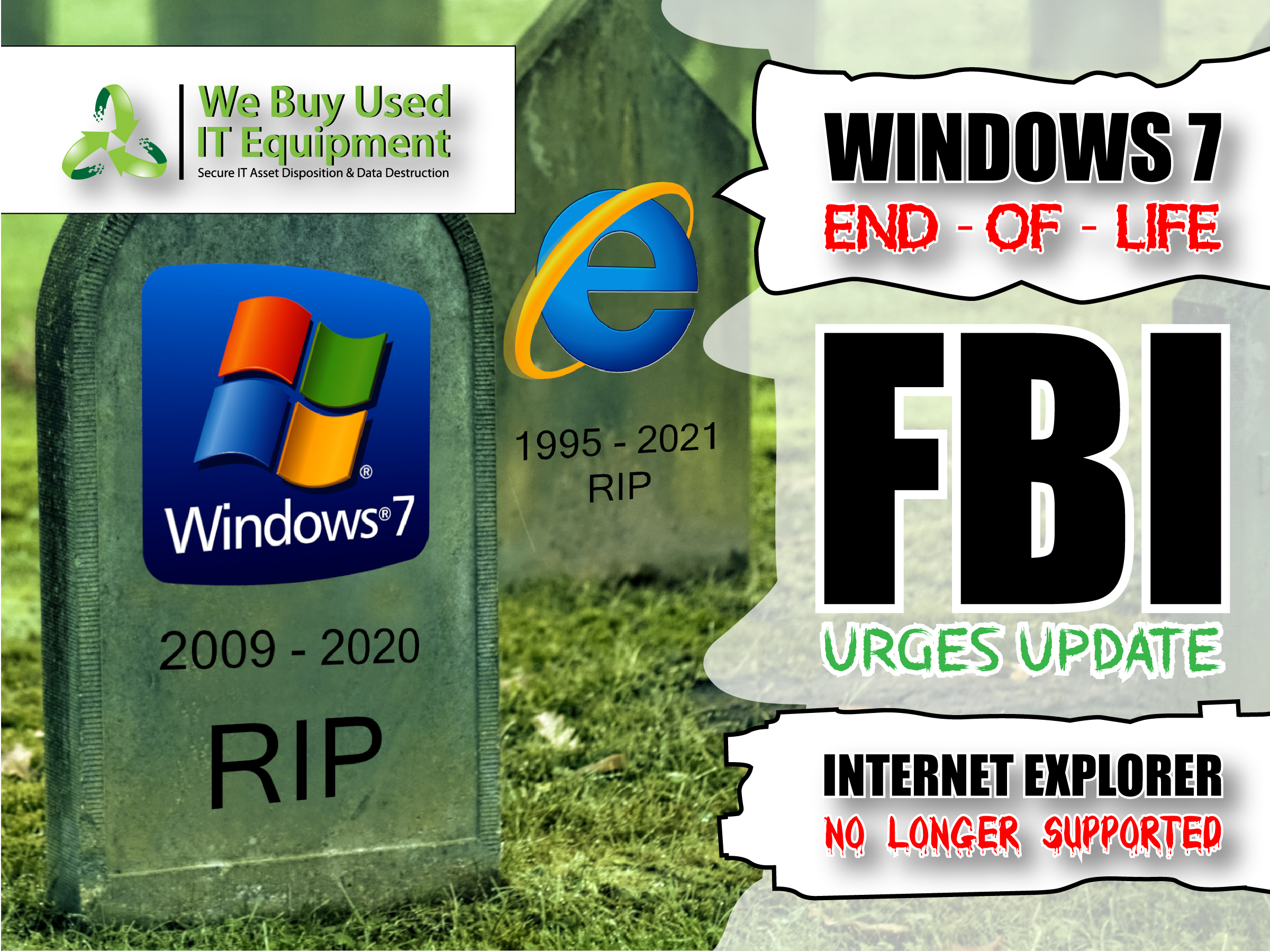
Microsoft will bid farewell to Internet Explorer and legacy Edge in 2021

Microsoft’s services will drop support for IE11 in a year

Today, we’re announcing that Microsoft 365 apps and services will no longer support Internet Explorer 11 (IE 11) by this time next year.

  • Beginning November 30, 2020, the Microsoft Teams web app will no longer support IE 11.
  • Beginning August 17, 2021, the remaining Microsoft 365 apps and services will no longer support IE 11.
 

This means that after the above dates, customers will have a degraded experience or will be unable to connect to Microsoft 365 apps and services on IE 11. For degraded experiences, new Microsoft 365 features will not be available or certain features may cease to work when accessing the app or service via IE 11. While we know this change will be difficult for some customers, we believe that customers will get the most out of Microsoft 365 when using the new Microsoft Edge. We are committed to helping make this transition as smooth as possible.

Customers have been using IE 11 since 2013 when the online environment was much less sophisticated than the landscape today. Since then, open web standards and newer browsers—like the new Microsoft Edge—have enabled better, more innovative online experiences. We believe that Microsoft 365 subscribers, in both consumer and commercial contexts, will be well served with this change through faster and more responsive web access to greater sets of features in everyday toolsets like Outlook, Teams, SharePoint, and more.

Microsoft will end support for Internet Explorer 11 across its Microsoft 365 apps and services next year. In exactly a year, on August 17th, 2021, Internet Explorer 11 will no longer be supported for Microsoft’s online services like Office 365, OneDrive, Outlook, and more. Microsoft is also ending support for Internet Explorer 11 with the Microsoft Teams web app later this year, with support ending on November 30th.

While it’s still going to take some time to pry enterprise users of Internet Explorer 11 away, Microsoft is hoping that the new Internet Explorer legacy mode in the Chromium-based Microsoft Edge browser will help. It will continue to let businesses access old sites that were specifically built for Internet Explorer, until Microsoft fully drops support for Internet Explorer 11 within Windows 10. Microsoft’s move to stop supporting Internet Explorer 11 with its main web properties is a good first step, though.

LEGACY EDGE WILL GO AWAY NEXT MARCH

Alongside the support changes, Microsoft is also planning to drop support for its existing legacy version of Microsoft Edge on March 9th, 2021. After the end of support date, the legacy version of Edge will no longer receive security updates. Microsoft has been moving existing Windows 10 users over to new its Chromium-based Edge browser, and the company says new devices and future Windows feature updates will all include the new Edge browser.

Microsoft has been working on killing off Internet Explorer usage and support for years now. The company first unveiled its new Edge browser back in 2015, codenamed at the time Project Spartan. It was the beginning of the end for the Internet Explorer brand. Microsoft has since labeled Internet Explorer a “compatibility solution” rather than a browser and encouraged businesses to stop using the aging browse

FBI issues warning over Windows 7 end-of-life

The FBI says companies running Windows 7 systems are now in greater risk of getting hacked due to a lack of security updates.

The Federal Bureau of Investigation has sent a private industry notification (PIN) on Monday to partners in the US private sector about the dangers of continuing to use Windows 7 after the operating system reached its official end-of-life (EOL) earlier this year.

“The FBI has observed cyber criminals targeting computer network infrastructure after an operating system achieves end of life status,” the agency said.

“Continuing to use Windows 7 within an enterprise may provide cyber criminals access in to computer systems. As time passes, Windows 7 becomes more vulnerable to exploitation due to lack of security updates and new vulnerabilities discovered.

“With fewer customers able to maintain a patched Windows 7 system after its end of life, cyber criminals will continue to view Windows 7 as a soft target,” the FBI warned.

FBI URGES COMPANIES TO UPDATE DEVICES

The Bureau is now asking companies to look into upgrading their workstations to newer versions of the Windows operating system.

To this day, Microsoft still allows Windows 7 systems to be upgraded to Windows 10 at no cost — even if this offer officially ended in July 2016.

However, in some cases, the PC’s underlying hardware may not support the (free) upgrade to a much more powerful system like Windows 10, a challenge that the FBI acknowledged in its alert, citing costs that companies might need to support to buy new hardware and software.

“However, these challenges do not outweigh the loss of intellectual property and threats to an organization,” the FBI said — suggesting that companies should keep an eye on the bigger picture down the road and how future losses from possible hacks might easily outweigh today’s upgrade costs.

The agency specifically cited the previous Windows XP migration debacle as the perfect example of why companies should migrate systems as soon as possible, rather than delay.

“Increased compromises have been observed in the healthcare industry when an operating system has achieved end of life status. After the Windows XP end of life on 28 April 2014, the healthcare industry saw a large increase of exposed records the following year,” the FBI said.

WEAPONIZED WINDOWS 7 VULNERABILITIES ALREADY EXIST

Furthermore, the FBI also cited several powerful Windows 7 vulnerabilities that have been frequently weaponized over the past few years.

This includes the EternalBlue exploit (used in the original WannaCry and by multiple subsequent crypto-mining operations, financial crime gangs, and ransomware gangs) and the BlueKeep exploit (which allows attackers to break into Windows 7 devices that have their RDP endpoint enabled).

The agency said that despite the presence of patches for these issues, companies have failed to patch impacted systems. In this case, replacing older and abandoned systems may be the best solution overall.

While companies are looking into upgrading systems, the FBI recommends that they also look into:

  • Ensuring anti-virus, spam filters, and firewalls are up to date, properly configured, and secure.
  • Auditing network configurations and isolate computer systems that cannot be updated.
  • Auditing your network for systems using RDP, closing unused RDP ports, applying two-factor authentication wherever possible, and logging RDP login attempts.

Browse:
Home News Windows 7 & Internet Explorer – Big Changes at Microsoft

Get A Quote

Fill our form here
PrevPreviousThe Secret Behind Radiation Hardened IT Equipment in Space
NextPricing freelance projectsNext
Picture of Steven

Steven

Expertise: Steven is a skilled software developer and designer who’s all about creating scalable web applications. He’s got a sharp eye for detail and a love for innovation, focusing on front-end development, UX/UI design, and blending cool tech like AI and machine learning into easy-to-use interfaces. He’s also fluent in many programming languages. Education: Steven graduated with a Bachelor of Science in Computer Science from UC Berkeley, where he earned honors. While at Berkeley, he got involved with the Computer Science club and worked on a bunch of open-source projects. Experience: Steven has been shaping his career by working with start-ups and freelancing as a developer and designer. He’s been hands-on with creating cool, user-friendly solutions—everything from writing clean code to designing sleek interfaces. Freelancing has let him dive into all sorts of projects, sharpen his skills, and bring awesome ideas to life. This mix of start-up energy and freelance creativity has made Steven super adaptable and great at making things happen. Outside of Work: When Steven isn’t busy with coding, he loves spending time outdoors. He’s big on hiking and nature photography, often hitting the trails on weekends. In his downtime he is trying out new spicy food recipes, and playing the guitar.
All Posts

Client
Testimonials

“The buyback program was easy for me to use. I simply sent WEBUY an email with the list of surplus items that I had. WEBUY replied back with a quoted value. I then shipped WBUY the tapes and quickly received payment. The process was very easy and I felt good that I wasn’t throwing the equipment into the landfill and someone else can make use of them.

I will do business with WBUY again.”

Bay Industries Inc.

“I have to say once I found you the process was relatively quick and straightforward. Your website provided great details and once I submitted my inventory within 24 hours I had a quote and confirmation of the dollar amount.

The entire process from shipment to check in hand was painless and quick, I will most definitely use this service again and have already recommended it to my other peers.”

Masons of California

Subscribe to our newsletter

Your inbox deserves better. Sign up for regular updates, insights, and deals!

  • Sorry, this service is unavailable in your country.

  • Should be Empty:
Visit Us
  • 9th St. Rancho Cucamonga, CA 91730
  • West Coast: (800) 700-7683
  • East Coast: (800) 821-1782
  • Local: (909) 466-7680
We Buy Used IT Equipment

Powered By DES

Facebook Instagram X-twitter Youtube Linkedin
BUY EQUIPMENT
  • Backup Tape
  • New Equipment
  • Refurbished Equipment
  • Warranty Info
  • Backup Tape
  • New Equipment
  • Refurbished Equipment
  • Warranty Info
SELL EQUIPMENT
  • Servers
  • Backup Tape
  • Removable Storage
  • Telecom & VOIP
  • Networking & Switches
  • Memory
  • CPUs and Processors
  • Laptops
  • Tape Drives
  • SFP Transceivers
  • Scrap Electronics
  • Servers
  • Backup Tape
  • Removable Storage
  • Telecom & VOIP
  • Networking & Switches
  • Memory
  • CPUs and Processors
  • Laptops
  • Tape Drives
  • SFP Transceivers
  • Scrap Electronics
SERVICES
  • IT Asset Disposition
  • Data Destruction
  • Data Center Services
  • Secure Shipping
  • Donate Your Assets
  • International Sales
  • Onsite Services
  • Electronics Recycle
  • IT Asset Disposition
  • Data Destruction
  • Data Center Services
  • Secure Shipping
  • Donate Your Assets
  • International Sales
  • Onsite Services
  • Electronics Recycle
STAY INFORMED
  • Blog
  • About Us
  • Contact Us
  • Our Process
  • FAQ
  • Sitemap
  • Blog
  • About Us
  • Contact Us
  • Our Process
  • FAQ
  • Sitemap

© 2026 All Rights Reserved. Website created with ❤ by mrrssy.

Accessibility Adjustments

Powered by OneTap

How long do you want to hide the toolbar?
Hide Toolbar Duration
Select your accessibility profile
Vision Impaired Mode
Enhances website's visuals
Seizure Safe Profile
Clear flashes & reduces color
ADHD Friendly Mode
Focused browsing, distraction-free
Blindness Mode
Reduces distractions, improves focus
Epilepsy Safe Mode
Dims colors and stops blinking
Content Modules
Font Size

Default

Line Height

Default

Color Modules
Orientation Modules