Short answer: Yes, tape is dependable for backup and long-term archives when it’s stored properly and you can accept slower restores. Cartridges are rated for up to 30 years, tapes kept offline can’t be reached over the network, and modern cartridges hold up to 40 TB (LTO-10) or 50 TB (IBM 3592 JF) native. It’s a poor fit when you need instant recovery.
Browse what we buy and sell: Our tape media hub covers every format, including the LTO tape hub.
In this guide: Scorecard · What makes tape reliable · Ransomware · Cost · Capacity · Retiring tapes · FAQ
The Scorecard
| Factor | Verdict | It Depends On |
|---|---|---|
| Durability | Strong. Rated up to 30 years | Storage temperature, humidity, and handling |
| Security | Strong, when offline | Whether tapes stay out of the library and off the network |
| Cost | Low per terabyte for large, cold data | Data volume, how often you restore, and your cloud fees |
| Restore speed | Slower than disk or cloud | Library robotics, tape position, and your recovery time target |
| Energy and sustainability | Low power when idle | How much data sits on shelves vs. in running libraries |
| Complexity | Moderate | Drives, libraries, software, and staff skills |
What Makes Tape Reliable
Tape can last for decades, but only if you treat it right. Five habits make the difference:
- Store it properly. Keep cartridges in a clean, climate-controlled space. Manufacturers’ ratings of up to 30 years assume proper conditions, and they’re not a promise for tapes sitting in a hot closet.
- Test restores regularly. A backup you’ve never restored is a guess. Sample your tapes on a schedule.
- Plan for format changes. Drives usually read one or two generations back. LTO-9 drives read LTO-8 tapes, and LTO-8 drives read LTO-7. LTO-10 breaks that pattern entirely and only reads LTO-10 media. See the LTO generation compatibility chart and our LTO-8 vs. LTO-9 vs. LTO-10 guide.
- Keep an index. Label every cartridge, and maintain a catalog so you can find data fast.
- Keep a second copy. The 3-2-1 rule applies to tape too: three copies, on two types of media, with one offsite.
Where Tape Is Dependable, and Where It Isn’t
Tape works well for:
- Compliance and retention archives
- Legal hold records
- Research datasets
- Surveillance video
- Financial records
- Disaster recovery copies
Tape is a poor fit for:
- Data you need back in seconds
- Small data sets that don’t justify drives and libraries
- Short-lived data
- Teams without space or skills to run a tape environment
If your business depends on millisecond recovery, tape alone won’t cut it. Many organizations use disk or cloud for fast restores and tape for deep archives and offline copies.
Is Tape Safe From Ransomware?
An offline tape can’t be reached over the network, and that’s a real advantage. Ransomware can’t encrypt a cartridge sitting on a shelf.
But “impervious” overstates it. Tape isn’t immune in every case:
- Infected data can be written to tape before an attack is discovered.
- Backup software and catalogs can be compromised.
- Tapes sitting loaded in a library are online, not air-gapped.
- Encryption keys need protecting too.
Cloud and disk aren’t defenseless either. Immutable storage features can lock backups against deletion, though they only protect you if configured correctly. Tape’s offline copy is the simplest air gap. For a deeper comparison, see our partner’s guide to tape storage vs. cloud backup.
Is Tape Cheaper Than Cloud?
Often, for large amounts of cold data, but it depends on your numbers. The old version of this post showed a 5-year cost table with no stated assumptions, so I’ve removed it.
Here’s what belongs in your own comparison:
- Tape: cartridges, drives and libraries, space, power, maintenance, and staff time
- Cloud: storage fees, retrieval fees, egress fees, and how often you restore
- Disk: hardware, power, cooling, and refresh cycles
Archive-tier cloud storage can be inexpensive per terabyte stored. The picture changes when you retrieve large amounts of data or restore often, so run the math for your own pattern. For a hands-on comparison, see our post on whether data tape can really save you money.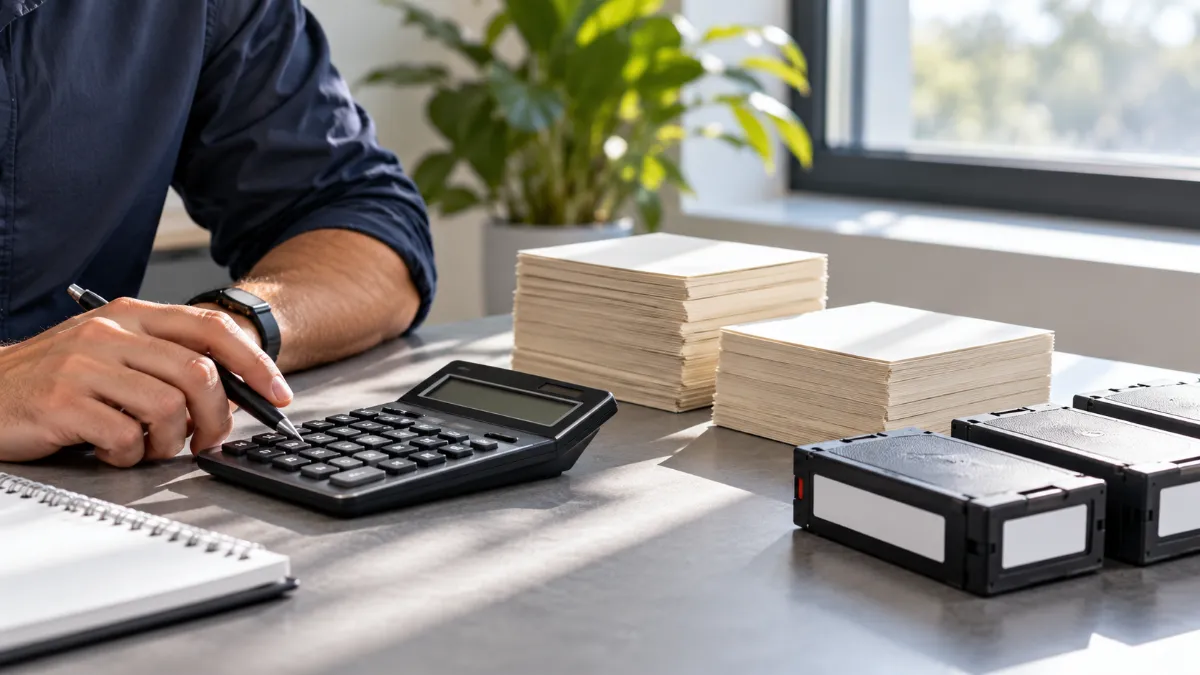
How Much Can a Tape Hold?
Capacity keeps climbing:
- LTO-9: 18 TB native
- LTO-10: 30 TB or 40 TB native, at 400 MB/s native
- IBM 3592 JF: 50 TB native (150 TB at a nominal 3:1 compression), for the TS1170 drive
Compressed figures depend on your data, so treat native capacity as the planning number. Older generations are worth a look too. See our guide to LTO-7 tapes.
Is Tape Good for the Environment?
Tape uses little power when cartridges sit idle on a shelf, and it often needs less cooling than spinning disk. Industry studies generally report lower energy use for cold data on tape than on disk, but the numbers vary by setup. The simplest way to keep tape sustainable is to recycle it responsibly when it’s retired. Our guide to LTO tape recycling and disposal explains how.
Retiring Old Tapes: Do It Securely
Retired tapes still hold data. Deleting a backup job doesn’t erase a cartridge. Follow current NIST SP 800-88 Revision 2 guidance, which replaced Revision 1 in September 2025. It describes three levels:
- Clear. A logical overwrite. It can fit low-sensitivity data when you want to reuse or resell the tape, though results on tape can be limited.
- Purge. For magnetic media like tape, this usually means degaussing with equipment rated for the media. It typically leaves the cartridge unusable.
- Destroy. Physical destruction, such as shredding.
Choose based on how sensitive the data is and what you want to happen to the cartridge. Destruction ends any resale value, so check whether your tapes are worth selling first. See our guides on whether old LTO tapes are worth money and who buys used LTO tapes. Document everything. Our guides on chain of custody for LTO and 3592 tapes and tape sanitization standards explain what auditors expect. For a full process, read our end-to-end tape disposal guide.
Quick Tips for Tape in 2026
- Use current formats. LTO-8, LTO-9, and LTO-10 for new backups, or the IBM 3592 family if you run IBM libraries.
- Pair tape with disk or cloud for fast restores and tiered backup.
- Check compatibility before you upgrade. LTO-10 doesn’t read earlier generations.
- Test restores on a schedule.
- Plan retirement early. Know what happens to tapes when they age out.
Frequently Asked Questions
Is tape still used for backup?
Yes. Tape remains common for archives, compliance retention, and offline backup copies, especially in large enterprises, research institutions, and cloud environments.
How long does data last on tape?
Manufacturers rate modern tape for up to 30 years under proper storage conditions. For comparison, hard drives and SSDs typically have much shorter service lives, often in the range of 3 to 10 years.
Is tape secure from ransomware?
An offline tape can’t be reached over the network. But infected data can still be written to tape, backup systems can be compromised, and loaded tapes are online. Keep tapes offline, protect your backup software and keys, and test restores.
Is tape cheaper than cloud?
Often, for large amounts of cold data, but it depends on volume, restore frequency, and cloud retrieval and egress fees. Run the numbers for your own pattern.
Is tape too slow for modern businesses?
For instant recovery, yes. For archives and disaster recovery copies, speed is often secondary. Many organizations use disk or cloud for fast restores and tape for deep, offline retention.
What data is best for tape?
Infrequently accessed, high-value data: compliance archives, legal hold records, research datasets, surveillance video, financial records, and disaster recovery copies.
Can I still read old tapes like LTO-1 or 3592-A?
Often, with legacy drives or a specialized vendor, but support is limited. If your archive includes older generations, plan a migration soon, before compatible drives get harder to find.
How do I securely wipe a tape?
Follow NIST SP 800-88 Revision 2. Overwriting (Clear) can fit low-risk data you want to reuse. Degaussing (Purge) or shredding (Destroy) suits sensitive data, and keep a Certificate of Data Destruction as proof.
Retiring Tapes or Tape Equipment?
If you have old tapes, drives, or libraries, find out what they’re worth before you recycle them.
- Send us your list. Include format, quantity, and condition.
- Get a quote. We review your list and send an offer.
- We cover shipping. See our secure shipping details.
- We erase or destroy the data through our Phoenix Certified process.
- You get paid, with documentation. A Certificate of Data Destruction comes with your payment.
Get a free quote, or browse the tape media hub, tape drives and libraries, and backup tape for sale. Our partner DES Technologies also offers on-site services, and anything without resale value goes to R2v3-certified recycling. For more on the compliance side, read why NIST-compliant destruction matters for retired tape. Questions? See our FAQ.