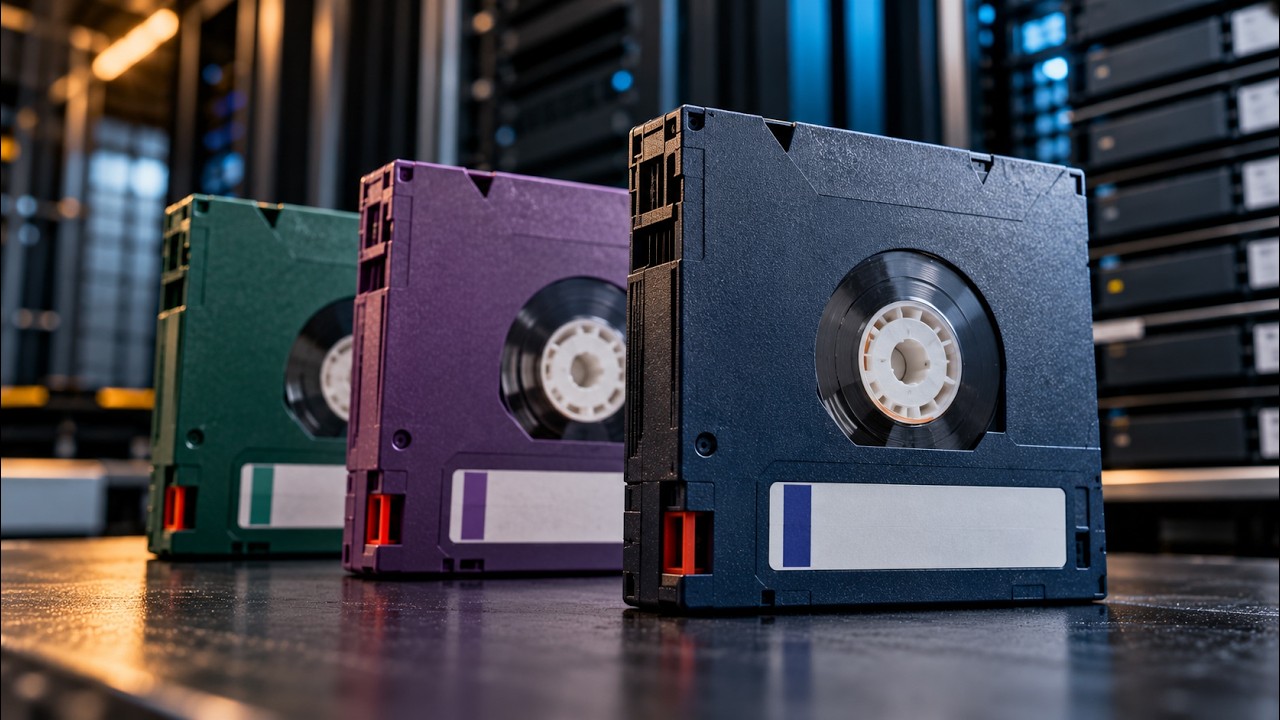
LTO-8, LTO-9, and LTO-10 are three of the most important generations of Linear Tape-Open technology used for enterprise backup and archival storage. The differences between them come down to storage capacity, performance, media compatibility, and infrastructure requirements. And if you’re upgrading your tape environment, those differences raise another question worth asking early: what should you do with the tapes, drives, and libraries you’re replacing?
Quick Comparison: LTO-8 vs. LTO-9 vs. LTO-10
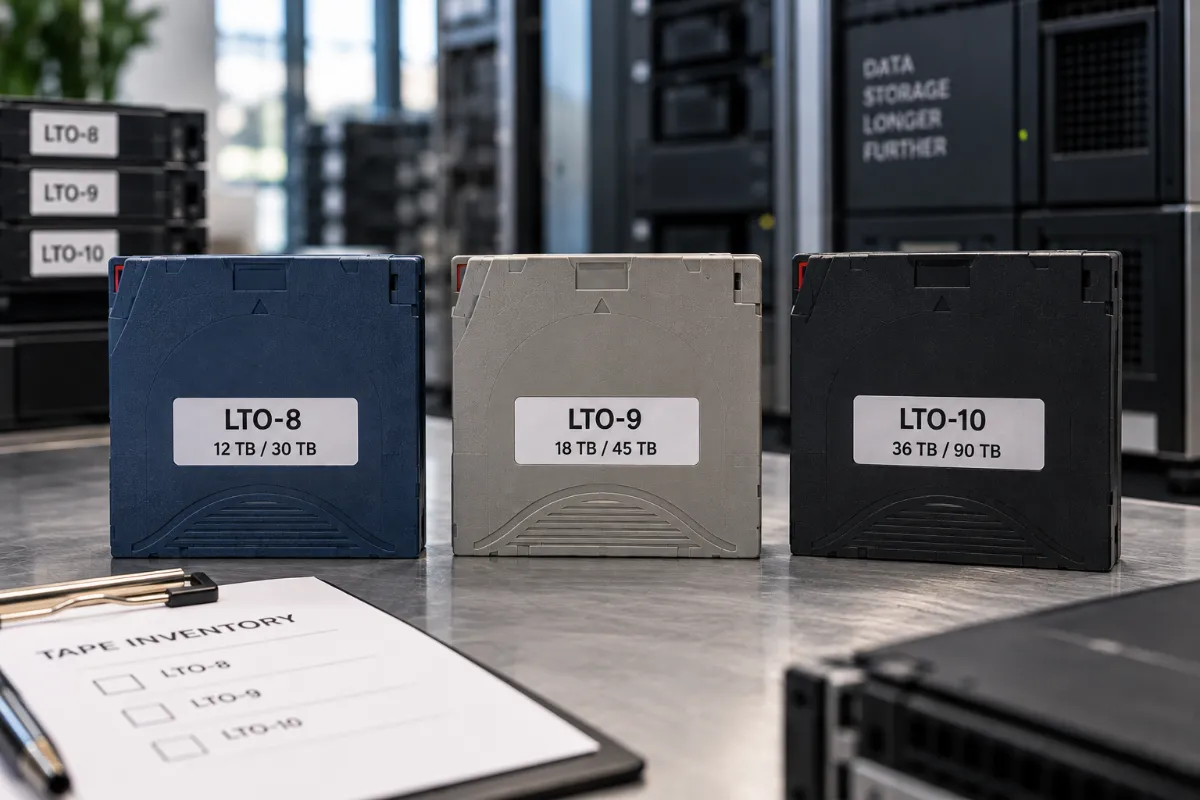
| Generation | Native Capacity | Compressed Capacity* | Compatibility |
|---|---|---|---|
| LTO-8 | 12 TB | 30 TB | LTO-7 and LTO-8 |
| LTO-9 | 18 TB | 45 TB | LTO-8 and LTO-9 |
| LTO-10 | 30 TB or 40 TB | 75 TB or 100 TB | LTO-10 only |
*Compressed capacities assume a 2.5:1 compression ratio; actual compression depends on your data.
For a deeper breakdown of resale value by generation, visit our LTO tape buyback hub.
What Is LTO-8?
LTO-8 delivers 12 TB of native capacity, with up to 30 TB compressed per standard cartridge. LTO-8 drives read and write both LTO-7 and LTO-8 media, including support for LTO-7 Type M where applicable. Because so much installed infrastructure still runs on this generation, LTO-8 remains genuinely relevant for organizations operating mature tape environments — not just a legacy format waiting to be phased out.
What Is LTO-9?
LTO-9 pushed native cartridge capacity up to 18 TB, with up to 45 TB compressed at a 2.5:1 ratio. It also introduced an important compatibility shift: LTO-9 drives read and write LTO-8 and LTO-9 media, which is a narrower backward-read window than some earlier generational transitions offered. If you’re migrating from LTO-8 to LTO-9, take time to understand your existing media inventory and confirm exactly what your new drives can and can’t read before you commit to a timeline.
What Is LTO-10?
LTO-10 is the newest generation, and it comes in two cartridge capacities: 30 TB native (up to 75 TB compressed) and 40 TB native (up to 100 TB compressed). The 40 TB cartridge marks a substantial jump over LTO-9 — more than double the native capacity in the same physical footprint.
LTO-10 also introduces a critical infrastructure consideration: LTO-10 drives offer no backward read or write compatibility with LTO-9, LTO-8, or any earlier generation. They read and write LTO-10 media only. That makes migration planning far more important than it was for previous generational jumps.
Can an LTO-10 Drive Read LTO-9 Tapes?
No. Unlike several previous LTO transitions, LTO-10 doesn’t offer backward compatibility with LTO-9 media. So if you’re moving to LTO-10, you need a real strategy for accessing your older tapes. Your options generally include keeping compatible legacy drives on hand, migrating data over to newer media, or maintaining older tape-library infrastructure for a defined transition period.
Can an LTO-9 Drive Read LTO-8?
Yes. LTO-9 drives read and write both LTO-8 and LTO-9 media, which makes an LTO-8-to-LTO-9 transition considerably easier for organizations sitting on large LTO-8 inventories.
Can an LTO-8 Drive Read LTO-7?
Yes. LTO-8 drives support both LTO-7 and LTO-8 media, which matters for organizations maintaining historical LTO-7 archives they still need to access.
Which LTO Generation Is Best?
There’s no universal answer here — it depends on your specific situation, including:
- Required capacity
- Existing tape inventory
- Existing drives and libraries
- Backup software
- Archive requirements
- Data-retention requirements
- Migration costs
- Required performance
- Budget
- Long-term storage strategy
An organization sitting on thousands of LTO-8 cartridges faces very different migration considerations than a company building a brand-new tape environment from scratch.
Why Are Companies Still Using LTO Tape?
Tape continues to serve several important roles in enterprise storage, including:
- Long-term data archiving
- Enterprise backup
- Offline backup
- Disaster recovery
- Large-scale data retention
- Media and entertainment archives
- Scientific data
- Cloud archive infrastructure
One key advantage stands out above the rest: you can physically remove tape cartridges from network-connected systems entirely. That offline storage option plays a real role in an organization’s broader cyber-resilience and ransomware-protection strategy, since data sitting on a shelf can’t be encrypted by an attacker.
What Happens to Old LTO Tapes After an Upgrade?
When you move from one generation to another, you can end up with a lot of older media on hand. An LTO-8-to-LTO-10 migration, for example, could leave you with:
- LTO-8 cartridges
- LTO-8 drives
- LTO-8 tape-library components
- Spare drives
- Cleaning cartridges
- Storage accessories
- Servers or other associated hardware
Don’t assume these assets are automatically worthless. Other organizations may still be running compatible infrastructure, which keeps demand alive even for older generations.
Should You Sell Old LTO Tapes After an Upgrade?
If your retention and data-security requirements allow it, evaluating surplus LTO media for resale can help you recover real value from your storage upgrade. Before you sell anything, identify:
- Generation
- Brand
- Quantity
- Condition
- Cartridge type
- Data-security requirements
- Location
It’s also worth taking inventory of the tape drives, libraries, and other enterprise hardware you’re retiring at the same time — evaluating everything together often makes more financial sense than handling it piecemeal.
Are Used LTO-8 and LTO-9 Tapes Worth Money?
They can be. Secondary-market value depends on current demand, quantity, condition, brand, cartridge type, and other market factors. The fact that LTO-9 drives still read LTO-8 media helps keep demand for LTO-8 cartridges alive.
LTO-10’s lack of backward compatibility matters here too — organizations can’t simply drop an LTO-8 or LTO-9 cartridge into an LTO-10 drive. That creates a real migration consideration for any business sitting on a large existing tape inventory, and it’s part of why getting your surplus media evaluated before an upgrade matters.
Frequently Asked Questions
What is the difference between LTO-8, LTO-9, and LTO-10?
The main differences are native capacity (12TB, 18TB, and 30TB/40TB respectively) and backward compatibility. LTO-8 and LTO-9 both offer some backward compatibility with the prior generation, while LTO-10 offers none.
How much data does LTO-10 hold?
LTO-10 cartridges hold either 30 TB native (up to 75 TB compressed) or 40 TB native (up to 100 TB compressed), depending on which cartridge variant you use.
Can LTO-10 read LTO-9 tapes?
No. LTO-10 drives read and write LTO-10 media only, with no backward compatibility to LTO-9 or earlier generations.
Can LTO-9 read LTO-8 tapes?
Yes. LTO-9 drives read and write both LTO-8 and LTO-9 media.
Can LTO-8 read LTO-7 tapes?
Yes. LTO-8 drives support both LTO-7 and LTO-8 media.
Is LTO-8 obsolete?
Not necessarily. LTO-8 remains relevant for organizations with mature tape environments and significant existing LTO-8 infrastructure.
Is LTO-9 still worth using?
Yes, particularly for organizations that need the extra capacity and backward compatibility with LTO-8 media during a transition period.
Should I upgrade from LTO-9 to LTO-10?
That depends on your capacity needs, budget, and whether you’re prepared to manage a compatibility gap with existing LTO-9 and earlier media. There’s no universal answer.
What should I do with old LTO tapes after upgrading?
Evaluate them for resale before recycling or destroying them. Depending on generation, quantity, condition, and demand, your old tapes, drives, and libraries may still have real value.
Selling LTO Tapes After a Storage Upgrade
If your organization is moving from LTO-8 to LTO-9, LTO-9 to LTO-10, or replacing your tape environment entirely, evaluate the equipment you’re removing before sending it off for recycling. We Buy Used IT Equipment can evaluate surplus LTO tapes, tape drives and libraries, servers, storage systems, hard drives, and other enterprise IT equipment. Get a quote and provide the manufacturer, model or generation, quantity, condition, location, and photographs to get started.