Procurement security means making sure the IT equipment you buy can’t become the way attackers get in. For refurbished hardware, it comes down to seven checks: vet the vendor, verify the hardware is genuine, confirm the previous data was properly erased, check firmware and software before deployment, secure the delivery chain, put protections in the contract, and audit after delivery. Skip one, and the savings can disappear fast.
Browsing for equipment? Start with our refurbished equipment page.
The Risks of Skipping This
Refurbished equipment saves money and keeps hardware out of landfills. But the secondary market has gaps that new purchases from an OEM don’t. Here’s what goes wrong.
Data left behind. The research on used drives is uncomfortable reading. WeLiveSecurity reported on a 2019 University of Hertfordshire study, commissioned by Comparitech, that bought 200 used hard drives and found 59% still held data from previous owners. Fortune covered a 2016 study by Blancco, a data erasure vendor, that recovered data from 78% of 200 used drives. And an i-SIGMA press release on a 2017 NAID study reports personally identifiable information on 40% of more than 250 devices bought through public resale channels. Some of those groups sell or promote erasure, so weigh that, but all three point the same way. When you buy refurbished gear, you’re often the one inheriting someone else’s data.
Counterfeit and tampered hardware. The U.S. Department of Justice announced in May 2024 that a Florida man was sentenced to six and a half years in prison for trafficking counterfeit Cisco networking equipment. According to the DOJ, the devices were low-grade or modified gear dressed up with fake labels, stickers, boxes, and documentation to look new and genuine, and the customers included hospitals, schools, and government agencies. Note that those buyers thought they were purchasing new equipment, so counterfeits aren’t unique to refurbished gear. But the lesson carries over: packaging and labels prove nothing.
Malicious or outdated firmware and software. Any used device can carry unknown firmware, leftover configurations, or malware. You don’t know what’s on it until you check.
Unsupported equipment. A device can be genuine, wiped, and still be a liability if its vendor no longer issues security updates. In February 2026, CISA issued Binding Operational Directive 26-02, which requires federal agencies to inventory and remove end-of-support edge devices. A joint fact sheet from CISA, the FBI, and the UK’s NCSC strongly encourages other organizations to follow the same guidance, and it names firewalls, routers, VPN gateways, and load balancers among the devices at risk.
Supply chain gaps and compliance trouble. If you can’t show where equipment came from or that its data was destroyed, you can’t answer an auditor. That matters under rules like HIPAA, which is why paperwork is part of procurement security.
Seven Checks Before You Buy
1. Vet the Vendor
Start with the company, not the product. Look for recognized certifications, such as R2v3 for responsible recycling and refurbishing and e-Stewards, and ask for current documentation instead of taking a logo’s word for it. Check references, reviews, and how long they’ve been in business. See our references page for who we’ve worked with, and our partner DES Technologies’ R2v3 certification.
Our view: ask to see a sample certificate of data destruction and a sample test report before you order. A vendor who can’t produce them beforehand won’t produce them afterward.
2. Verify the Hardware Is Genuine
Check these before you pay:
- Serial numbers. Verify them against the manufacturer’s records where the OEM offers a lookup, and make sure they match what’s printed on the device and the invoice.
- Labels and packaging. Remember the DOJ case: counterfeits came with convincing labels, boxes, and documentation. Treat packaging as a clue, not proof.
- Physical signs. Mismatched branding, altered or scratched serial plates, unusual modifications inside the chassis, and missing security seals.
- Components. Confirm that memory, drives, and processors match the specification you ordered.
NIST’s supply chain controls address exactly this. The SR-11 control, as reproduced by CSF Tools, calls for anti-counterfeit policy and procedures to detect and prevent counterfeit components from entering a system, and for training people to spot them.
3. Confirm the Data Was Erased
Ask for the sanitization record. A strong certificate lists each device’s serial number, the method, the date, and the standard followed. See our Certificate of Data Destruction guide.
The right standard is NIST SP 800-88 Revision 2, published September 26, 2025. The original version of this post also recommended DoD 5220.22-M, which is a mistake. Blancco’s overview notes that the DoD’s own manual hasn’t specified an overwriting pattern since at least 2006, and that NIST guidance has superseded it. If a vendor leads with “DoD wipe,” ask what standard they actually follow.
4. Check Firmware, Software, and Support Status Before Deployment
This is the check the original post got wrong by pointing to multi-factor authentication. MFA protects accounts. It doesn’t tell you what’s on a device. Here’s what does:
- Update firmware from the vendor’s own site, including BIOS or UEFI and the management controller.
- Reset management controllers. Clear old credentials and settings on iLO, iDRAC, CIMC, or similar.
- Clear the TPM and security settings.
- Reinstall the operating system from known-good media instead of trusting what shipped.
- Burn in and scan on an isolated network segment before it touches production.
- Confirm the model still gets vendor security updates, especially firewalls, routers, and VPN gateways, per the CISA guidance above.
Picture a 40-person clinic buying a dozen refurbished laptops. Before anyone logs in, the IT manager matches serial numbers to the invoice, checks the sanitization certificate, reinstalls the operating system, updates the firmware, and only then enrolls the machines. That’s an afternoon of work, and it’s the difference between a bargain and a liability. Our guide to replacing networking gear explains how to track support dates.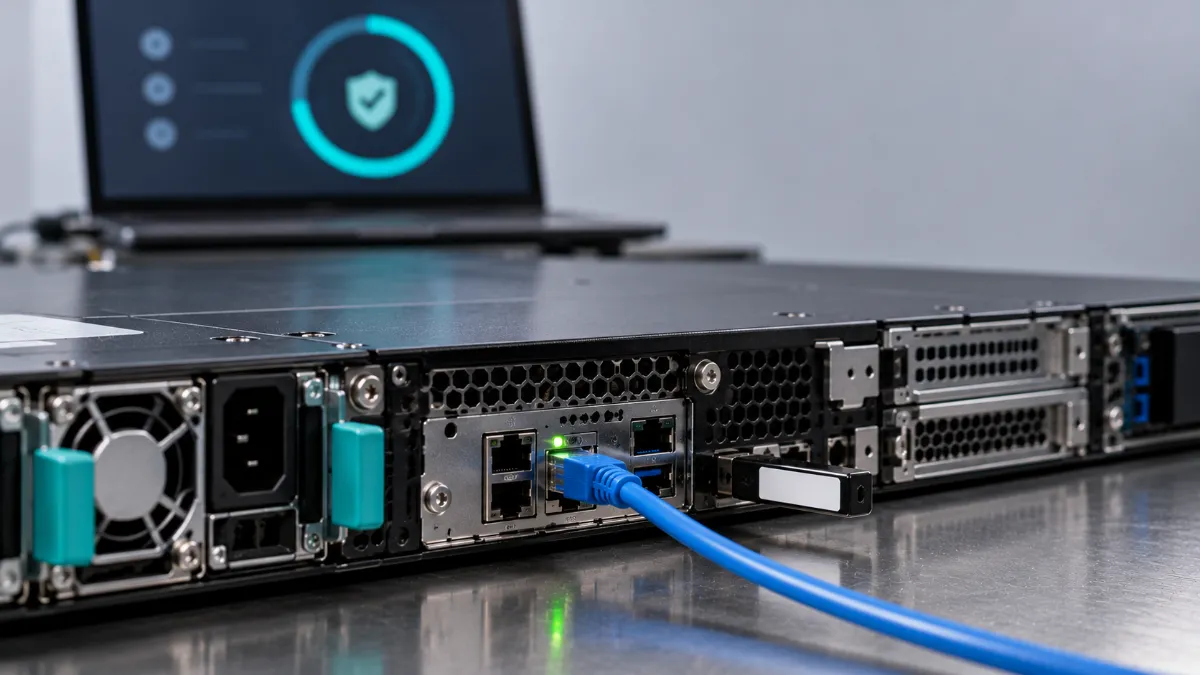
5. Secure the Delivery Chain
Equipment is vulnerable in transit. Insist on:
- Tamper-evident packaging and sealed cartons
- A serial-level manifest that you can check on arrival
- Tracked shipments with signed handoffs
- Receiving inspection. Check seals, compare serials to the manifest, and photograph anything odd
- Limited access. Only authorized people should sign for and open deliveries
NIST’s SR-10 control calls for inspecting systems and components to detect tampering, and its SR family includes secure component disposal. See our secure shipping details and DES’s chain of custody process for more details.
6. Put It in the Contract
Handshake deals don’t survive a dispute. Your purchase agreement should cover:
- Data sanitization. A required certificate, method, and standard.
- Authenticity. A warranty that equipment is genuine, with the right to return and get a refund if it isn’t.
- Warranty and returns. Clear terms. See our warranty information.
- Notification. The vendor must tell you promptly about data loss or compromised assets.
- Audit rights. Your right to verify the vendor’s claims.
- Remedies. What happens if the vendor falls short.
7. Audit After Delivery
Security doesn’t end at the loading dock. Spot-check serial numbers, firmware versions, and configurations on a sample of devices, then re-check after 30 and 90 days. Track everything in an asset inventory so you know what you own and when support ends. Our guide to IT asset management shows what to record. And plan the retirement now: when the equipment reaches the end of its life, it needs to be sanitized again. Government and Enterprise Buyers
The stakes are higher at scale, and the guidance is more specific than “follow NIST.”
Government. NIST’s supply chain risk management guidance, SP 800-161 Rev. 1, was updated in November 2024 and is the main federal reference. It builds on the SR family in SP 800-53, covering supplier assessments, tamper inspection, component authenticity, and secure disposal. Federal agencies also face CISA’s end-of-support directive for edge devices. For procurement basics, see our guide on whether agencies can buy used IT equipment.
Enterprise. Put procurement, the CISO, and security staff in the same room when you evaluate refurbished vendors. Write a policy that says which equipment categories you’ll buy refurbished and which you won’t, such as internet-facing edge devices without current support. At scale, inspect every item in your first batch, then sample from later batches once a vendor has proven itself. And tie purchasing to your inventory so every device is tracked from receipt to retirement.
Questions to Ask Any Vendor, Us Included
- Which certifications do you hold, and can you show current documentation?
- How was the data on this equipment sanitized, and will I get a certificate with serial numbers?
- Can you show test results for the exact units I’m buying?
- How do you verify authenticity and trace where equipment came from?
- Does this model still receive vendor security updates?
- What are the warranty and return terms?
- How is the equipment packaged and tracked during shipping?
- Can you give references?
Here’s what you can see publicly for us: our Phoenix Certified process, our references, our warranty terms, and the data center equipment we source. Ask us the questions above. You should ask every vendor the same ones.
Frequently Asked Questions
What is procurement security?
It’s the set of checks that make sure the hardware and services you buy meet your security standards, from vetting the vendor to verifying authenticity, confirming data erasure, and controlling delivery.
Is refurbished IT safe to buy?
It can be, with verification. Check the vendor’s credentials, confirm authenticity, get proof of data sanitization, update firmware, and reinstall the operating system before deployment.
How do I spot counterfeit hardware?
Check serial numbers against manufacturer records, inspect labels and internal components, compare against the specification, and buy from vendors who can trace where equipment came from. Don’t treat packaging as proof. In a case the DOJ prosecuted, counterfeit gear came with fake labels, boxes, and documentation.
Do I still need to wipe refurbished equipment myself?
Yes, as a second layer. Even with a certificate, reinstalling the operating system and updating firmware before deployment is good practice.
What certifications should a refurbished vendor have?
Look for R2v3 and, for some buyers, e-Stewards, and ask for current documentation. Certifications show a vendor follows documented processes. They don’t replace your own verification.
What’s the difference between NIST 800-88 and DoD 5220.22-M?
NIST SP 800-88 is the current guidance for media sanitization, now in Revision 2. DoD 5220.22-M is an obsolete multi-pass overwrite method that doesn’t cover SSDs and is no longer specified by the DoD’s own manual.
Ready to Buy, or Ready to Sell?
Browse our refurbished equipment, or get a quote if you’re retiring equipment of your own. For more on protecting your business, see our guides to small business data security and network security protection. Questions? Our FAQ covers most of them.