The electronic waste that comes through our homes is often toxic. This can lead to accidents if you don’t handle it correctly or if the documents become exposed to humidity or dust. Here’s how to properly handle the toxic electronic waste.
What is electronic waste?
Ewaste is any piece of equipment or product that the user no longer wants or needs. This can include desktop computers, laptops, monitors, cell phones, and peripherals.
Ewaste can be a major environmental and health concern because it contains toxic chemicals and metals that can harm people and the environment when discarded incorrectly.
The best way to handle toxic electronic waste safely is to recycle it. Recycling separates the usable materials from the hazardous waste, reducing the impact of toxins on the environment.
There are private companies that recycle electronics for a fee, or you can drop them off at a local e-waste recycler.
What are the risks of toxic ewaste?
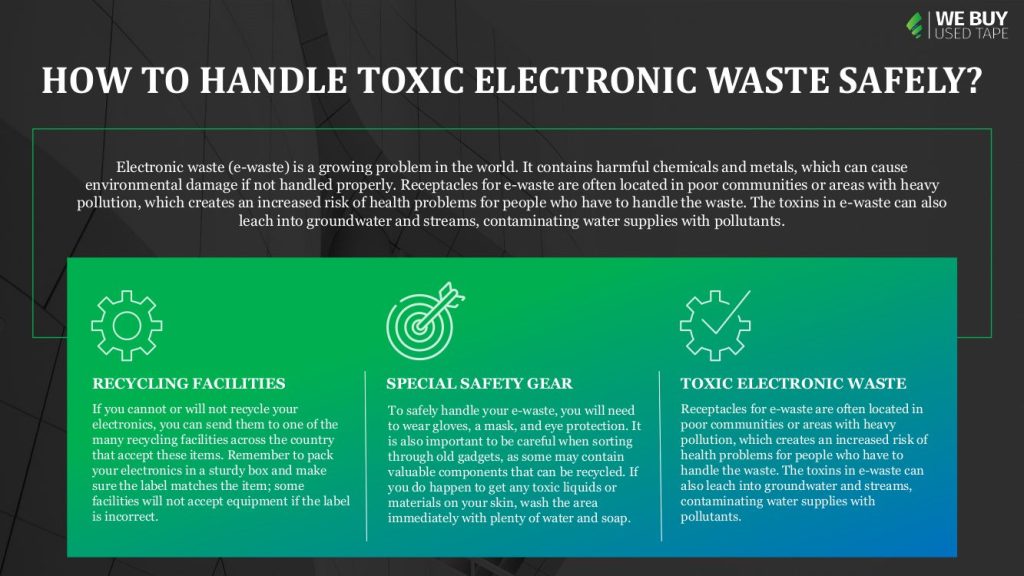
Electronic waste (ewaste) is a growing problem in the world. It contains harmful chemicals and metals, which can cause environmental damage if not handled properly.
Receptacles for e-waste are often located in poor communities or areas with heavy pollution, which creates an increased risk of health problems for people who have to handle the waste. The toxins in e-waste can also leach into groundwater and streams, contaminating water supplies with pollutants.
Here are some tips for handling toxic ewaste safely:
1. Dispose of e-waste batteries properly. Batteries contain hazardous materials that can be harmful if released into the environment. If you have old batteries that you no longer use, take them to a recycling center or disposal site that accepts lead and acid batteries.
2. Do not throw electronic waste into the garbage (or open burning). Electronic waste contains toxic chemicals and metals that can contaminate the air and soil, as well as water supplies. Recycle electronic waste properly through special programs or drop it off at a special e-waste recycling site.
3. Do not touch or handle broken screens or components without proper protection. Opening up the phone exposes electronic components that are not suitable for disposal.
4. Do not cut, crack, or break plastic enclosures. Breaking these containers can release toxic chemical fumes and cause severe, even fatal burns to all persons near the abuse. Be aware of flammable material nearby, and prevent fires and injuries by always disposing of broken cellphones through proper modes of use first.
5. Avoid dropping your phone while you were simply handling it, as broken glass is highly dangerous, and chemical exposure can be severe. The chances of broken glass are higher when you drop your cell phone from waist level or above.
Tips for handling toxic chemicals safely
When it comes to handling Toxic ewaste i.e., electrical and electronic equipment (EEE), it is important to remember that the chemicals in these items pose a serious threat both to the environment and to human health. Here are some tips for ensuring the safe disposal of EEE:
1. Always label your toxic material with the hazard symbol, including batteries, lightbulbs, PCs, monitors, and other electronic equipment. Write down what the materials are, where they came from and how to contact you if there are any problems.
2. Dispose of toxic material securely through a plastic bag.
3. Wash your hands thoroughly after touching anything that could have come into contact with toxic material.
4. Use recycling services that collect all types of electronic waste. You’ll reduce the number of hazardous materials that end up in landfills.
5. Don’t throw away computers, TVs, and other electronic devices with valuable data still on them. Unsold television sets and computer monitors can sometimes be recycled into new products.
6. If you have pictures, videos, or software on your old electronics that you no longer need, don’t just toss them in the trash. Consider donating them to a local school or university, an organization that recycles computer software, or the Smithsonian Institution.
7. Dispose of used batteries at the recycling station; not on the street where they can be confiscated by local authorities on environmental laws. The recycling stations have special equipment designed just for sorting and collecting batteries from non-standard alkaline, flashlights, and cell phones.
8. Use safe material handling procedures if you decide to recycle a hard drive into usable parts.
Throwing away old electronics is one of the most popular ways to deal with waste, but it’s not safe. Toxic chemicals used in products like computers, printers, and electronic games can leach out and can contaminate the soil, water supplies, and even people if they’re mishandled.
What to do if you suspect you or someone else has been poisoned by toxic chemicals?
If you or someone you know has been poisoned by toxic chemicals, the first step is to seek medical attention. However, there are some steps you can take to handle the situation safely yourself. Here are five tips:
1) If you have any doubt about whether or not a substance is poisonous, do not expose yourself or others to it. Instead, call a professional for help.
2) If you think you may have been poisoned, isolate yourself from other people and equipment until you can tell what the effects of the poison will be. Clean up any spills as soon as possible to avoid further exposure.
3) If the poison is water-soluble, like bleach or sodium hypochlorite, flush it down the toilet after pouring it out. If it’s oil-soluble, use a respirator and gloves to dispose of it in an appropriate container. Do not pour it down the drain.
4) Keep all poison containers and materials out of reach of children and pets. Poisoning can cause serious damage to their health if they consume the substance.
5) Report any suspicious incidents involving potentially poisonous substances to your local police or emergency medical services immediately.
Where can I dispose of these items?
There are a few ways to safely dispose of electronic waste, but first, you need to know where it can go.
The majority of electronic waste should be recycled, but there are specific exceptions for certain types of electronic waste, such as lead-acid batteries and computer monitors.
If you cannot or will not recycle your electronics, you can send them to one of the many recycling facilities across the country that accept these items. Remember to pack your electronics in a sturdy box and make sure the label matches the item; some facilities will not accept equipment if the label is incorrect.
Do I need special safety gear?
If you have ever handled electronic waste, you know that it can be harmful if not handled correctly. To safely handle your e-waste, you will need to wear gloves, a mask, and eye protection whenever possible. It is also important to keep an open mind when sorting through your old gadgets, as some may still contain valuable components that can be recycled. If you do happen to get any toxic liquids or materials on your skin, wash the area immediately with plenty of water and soap.
Conclusion
Irrefutable evidence exists that electronic waste, or ewaste, is harmful to both the environment and people. It’s time we all learn how to handle this hazardous material safely.
If you’re unsure whether an e-waste item is hazardous, start by checking the product’s label. If the product doesn’t have a label, then it’s likely not classified as an e-waste item.